
Use cases
When You Can’t Afford to Guess
Simulate changes while you work. Give agents deployed context. Get answers when something breaks.
For everyday changes
See what a routine change could break.
Simulate changes to permissions, network rules, or database settings as you work. See what they could affect and what to adjust. Most checks take under a minute.
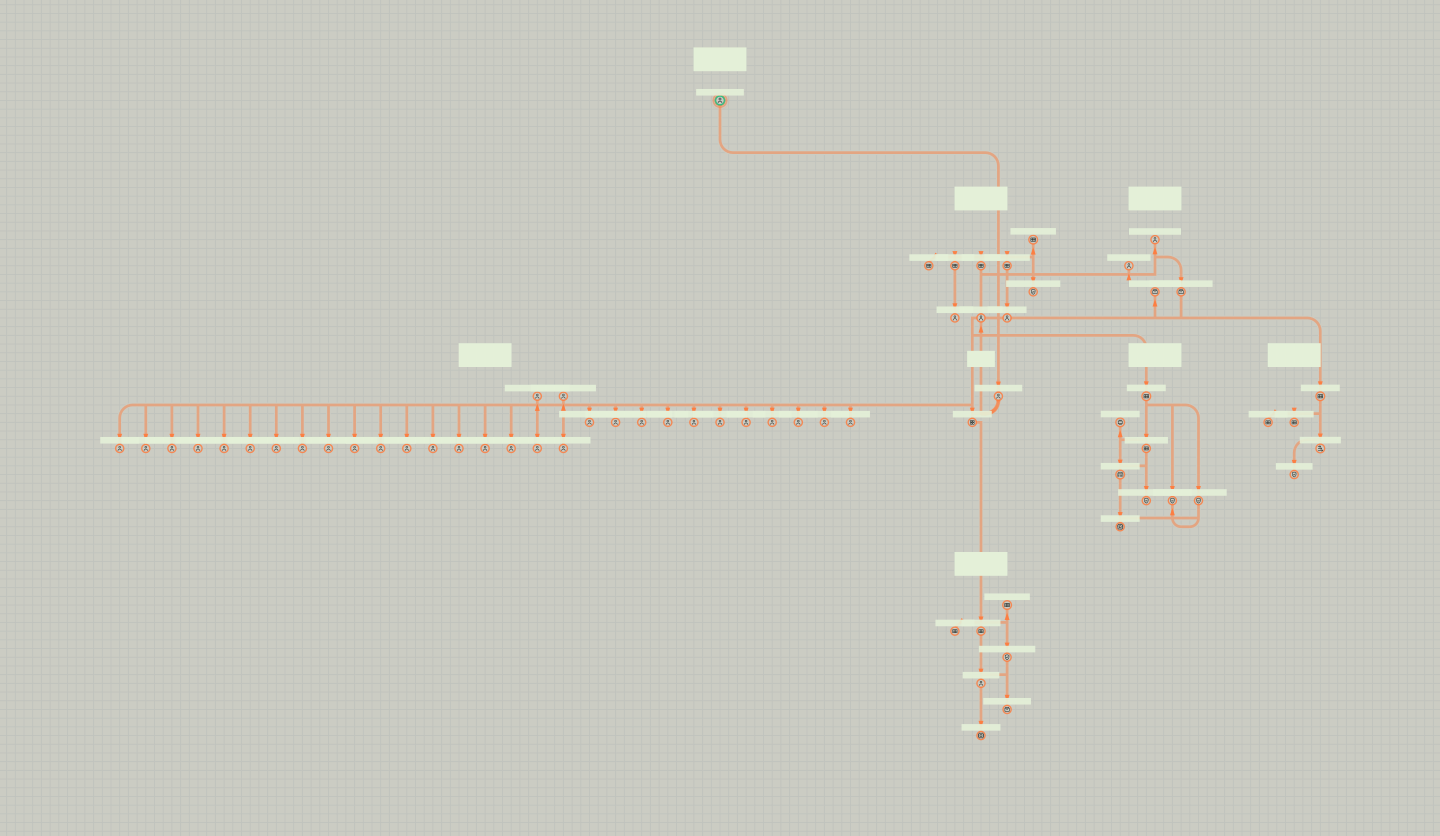
A walkthrough of the Stag app: filtering inspections to critical security changes, opening an unsafe inspection's report, tracing its privilege-escalation path in the graph, and asking the assistant for a root cause analysis that streams in.
When your AI agents make changes
Let agents simulate while they code.
Your agent can ask questions and run simulations while writing code. Then it iterates to ensure safety.


Terminal walkthrough: an AI agent asks Stag what depends on OrganizationAccountAccessRole, gets an UNSAFE critical security verdict for a wildcard resource, narrows the resource to one network interface and re-runs the analysis to SAFE with 0 failed.
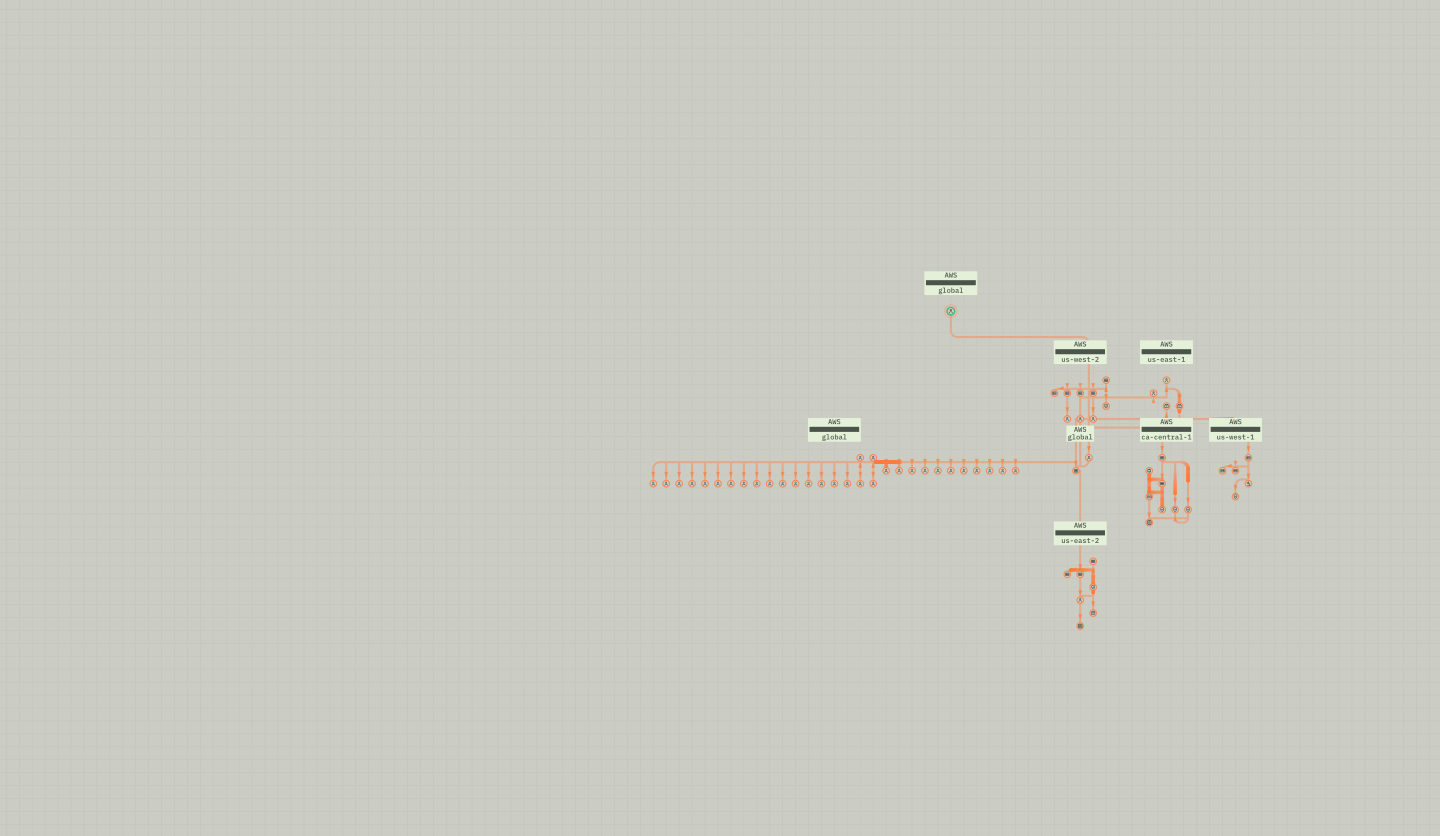

Stag app walkthrough: an inspection report marks a changeset UNSAFE with CRITICAL risk and 152 failed simulations; the pointer opens chat, asks for a detailed analysis, and the answer streams in with a verdict summary table, a three-stage attack chain, blast radius and recommended checks.
During or after an incident
Find what changed. Simulate the fix.
Review changes and the risks Stag identified. Investigate the evidence, then simulate a proposed fix before deploying.
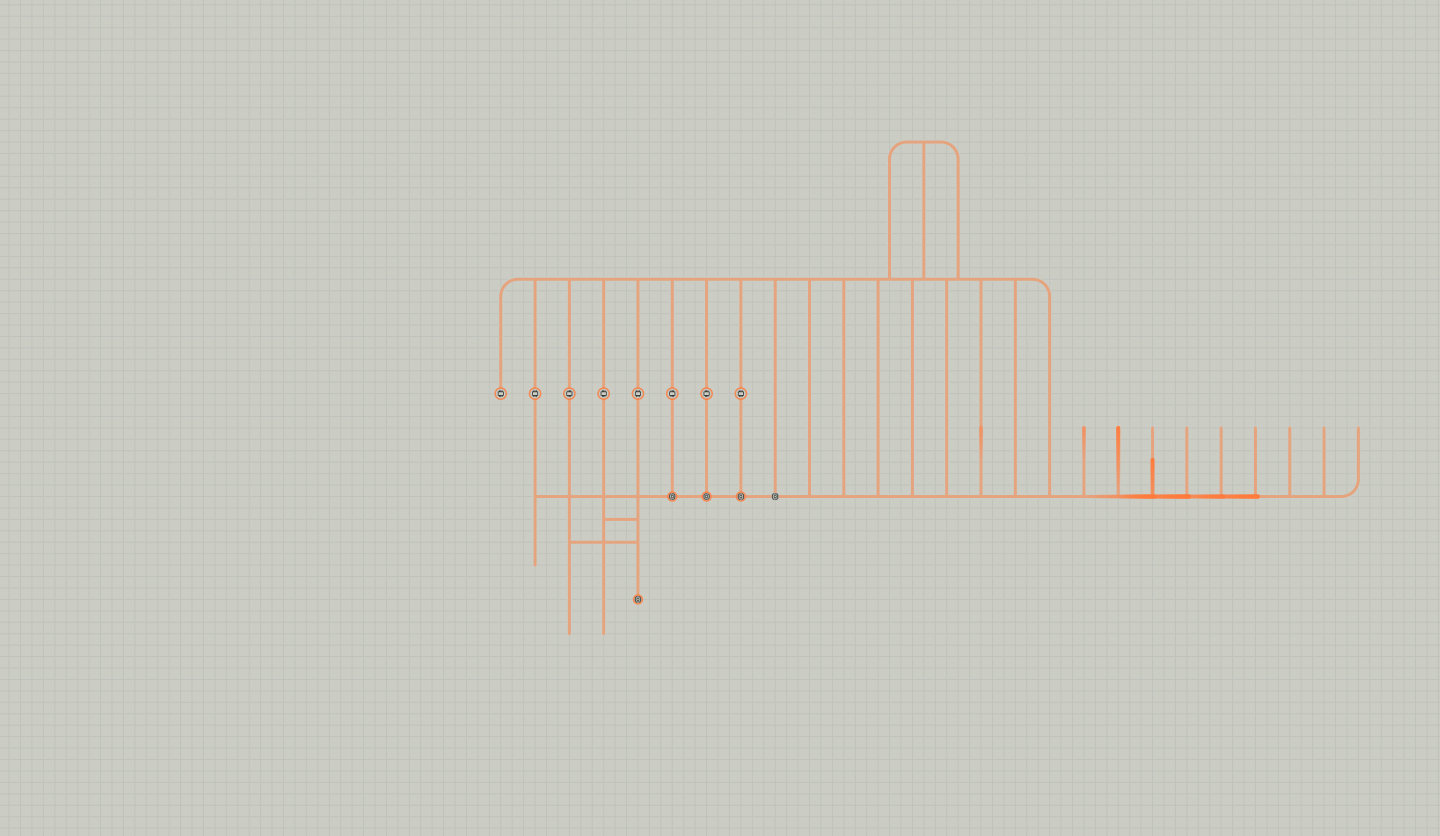


Stag app walkthrough: the Inspections table is filtered to Unsafe decisions and Manual triggers, a NAT gateway deletion inspection opens with an UNSAFE, HIGH risk report over its blast-radius graph, and chat streams a root cause analysis covering the triggering event, causal chain, blast radius, operational impact and recommended next steps.
For migrations, upgrades, and replatforming
Plan around dependencies.
See what depends on the systems you plan to move. Build the plan around those connections, then simulate upcoming changes.
Stag Explore walkthrough: the user asks which compute instances were added or removed over two months and gets a change report and a diff graph of 7 added and 9 removed instances, then asks which network has the largest blast radius; the answer is the infratwin-prod VPC with a radius of 108, and the graph zooms to that network node to show its metadata.
More ways to put Stag to work.
-
[01] Inherited and acquired infrastructure
Know what you're taking on.
Explore what’s deployed, how it’s configured, and what depends on it. Use the answers to plan the integration or cleanup.
-
[02] Changes outside your pipeline
The change is live. Check its effects.
Stag detects changes from consoles, scripts, and cloud automation on its next scan, then simulates their effects. See the change's side effects immediately.
-
[03] Audit & compliance
Bring the record to the audit.
Ask what changed during the period under review. Get the change history and related findings together in minutes.
-
[04] Shared environment knowledge
Let the expert take a vacation.
Enable teams and agents to understand deployed resources, settings, and connections.
Q&A
But what about...
-
[01]
Is Stag only for migrations and upgrades?
No. Simulate routine changes, from network policies to database access. Small changes can affect other systems.
-
[02]
Will Stag catch changes outside our pipeline?
Yes. Stag detects changes visible through cloud APIs on its next scan, then simulates their effects. Terraform and CI/CD are optional. You can also simulate proposed scripted changes through the CLI before applying them.
-
[03]
Can our agents ask questions and run simulations?
Yes. Agents can query the deployed environment through MCP without proposing a change. They can also run simulations through the CLI and use the results while writing code.
-
[04]
What if a change affects another team, account, region, or cloud?
Stag follows dependencies across the environments you connect, including accounts, regions, and clouds. One deployment can cover multiple AWS accounts and Azure subscriptions.
-
[05]
Can Stag help with a migration that’s already underway?
Yes. Simulate upcoming changes before applying them. Review findings for changes Stag has already observed, and address risks as the migration continues.
-
[06]
What if nothing breaks immediately?
Stag flags risks to performance and security even when nothing has visibly failed. Use the findings to investigate changes that might otherwise go unnoticed.
-
[07]
Can we use Stag during an incident or to look back at previous changes?
Yes. Review recorded changes and related simulation findings to focus the investigation. Use the same records for incident reviews and audits.
-
[08]
How does Stag fit into change reviews?
Reviewers get findings they can inspect: the risks, the reasons, and what to adjust. You decide how simulation fits into your approval process.
-
[09]
What does Stag cover?
Stag covers AWS, Azure, and Kubernetes resources, including networking, roles and policies, DNS, load balancers, and database settings.
-
[10]
Is Stag SaaS?
No. You install and run Stag inside your environment.
-
[11]
What does Stag read? Does it need write access?
Stag uses read-only access to infrastructure metadata, including settings, roles, policies, and connections. It does not inspect business data or network traffic. A detailed data inventory is available for security reviews.
-
[12]
How long does installation take?
Typically 15–30 minutes. Initial results appear within minutes of providing cloud credentials.
-
[13]
How does Stag use AI?
Stag uses a breakthrough in causal subgraph enumeration to select and systematically evaluate side effects. AI helps users and agents understand what's happening and how to fix it.
-
[14]
Do we have to let Stag block deployments?
No. Start in advisory mode and review the findings without blocking deployments. When you’re ready, configure your pipeline to stop changes Stag identifies as unsafe. A break-glass override lets you proceed when needed.
-
[15]
Do all our teams need to use the same pipeline?
No. Each team can keep its own pipeline. Stag checks their proposed changes against its model of the connected environment.
-
[16]
Will Stag slow down our applications?
No. Stag reads metadata and simulates against its model. Your application traffic does not pass through it, and your applications do not wait for its results.
-
[17]
Will Stag slow down our CI/CD pipeline?
Stag adds an inspection step. Most inspections finish in under a minute. Reviewers get the risks, the reasons, and guidance on what to adjust.
-
[18]
How do we update Stag?
You apply container-image updates inside your environment. Stag does not contact Stag servers to initiate them.
No questions match that search.
See a decision on one of your own changes
Ready to stop finding out in production?
try stag