

Environment Explorer
Get answers from what's running.
Ask Stag how your systems are configured and connected. Engineers and agents get the context to plan, investigate, and write code.
Book a demo
Why Explorer?
-
[01]
Spend less time asking around.
Get answers about settings and connections while you work. Keep moving when the team’s expert is busy.
-
[02]
Let agents check their assumptions.
Let coding agents look up deployed settings and dependencies. Ground their next edit in what’s running.
-
[03]
Plan with evidence.
Bring accurate information to your planning process. Prioritize and prepare for changes with a clear understanding of your environment.
What it Does
Stag Environment Explorer
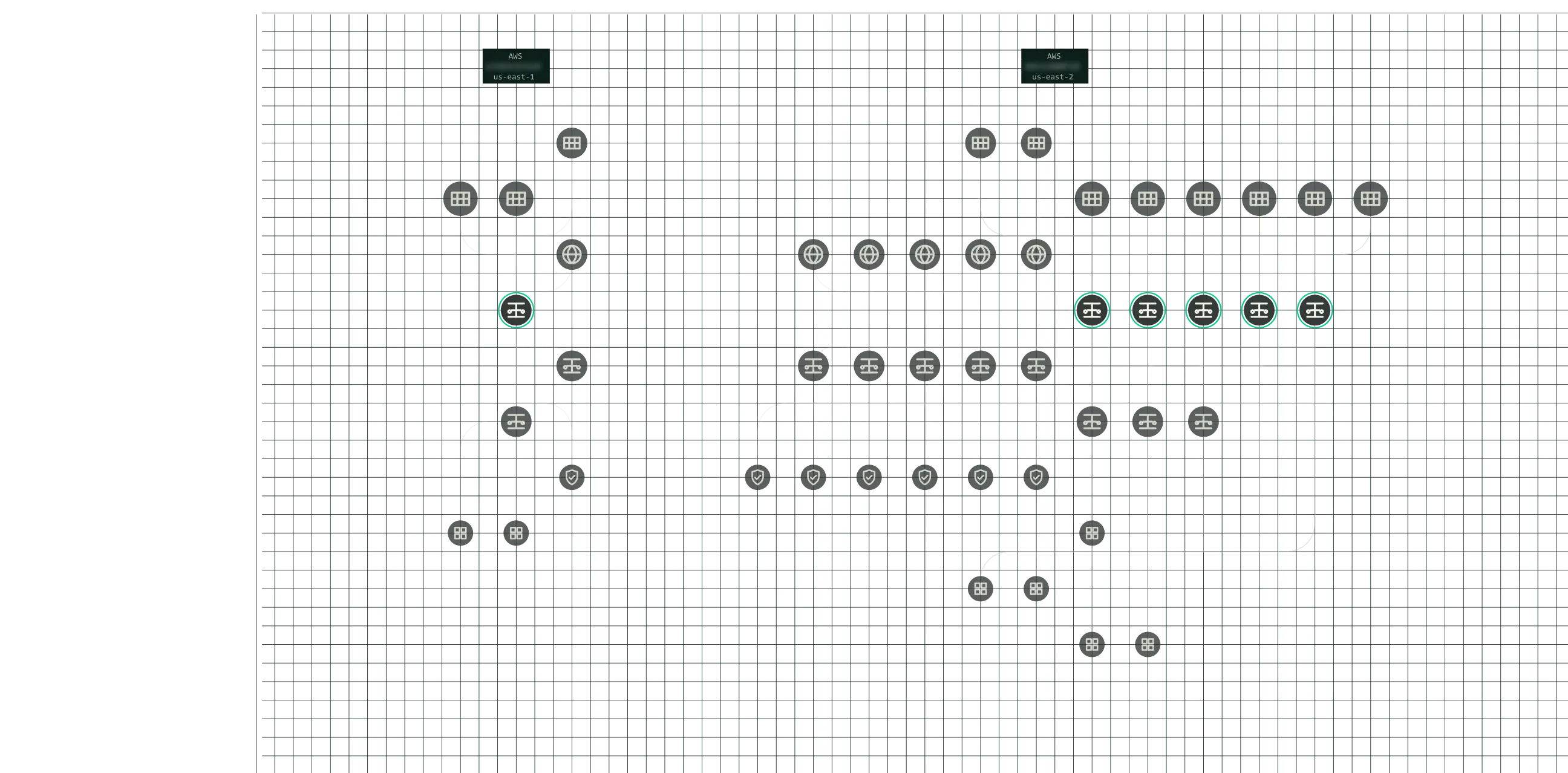
Ask about your deployed environment in plain language. Inspect the resources, settings, and connections behind Stag’s answers.
-
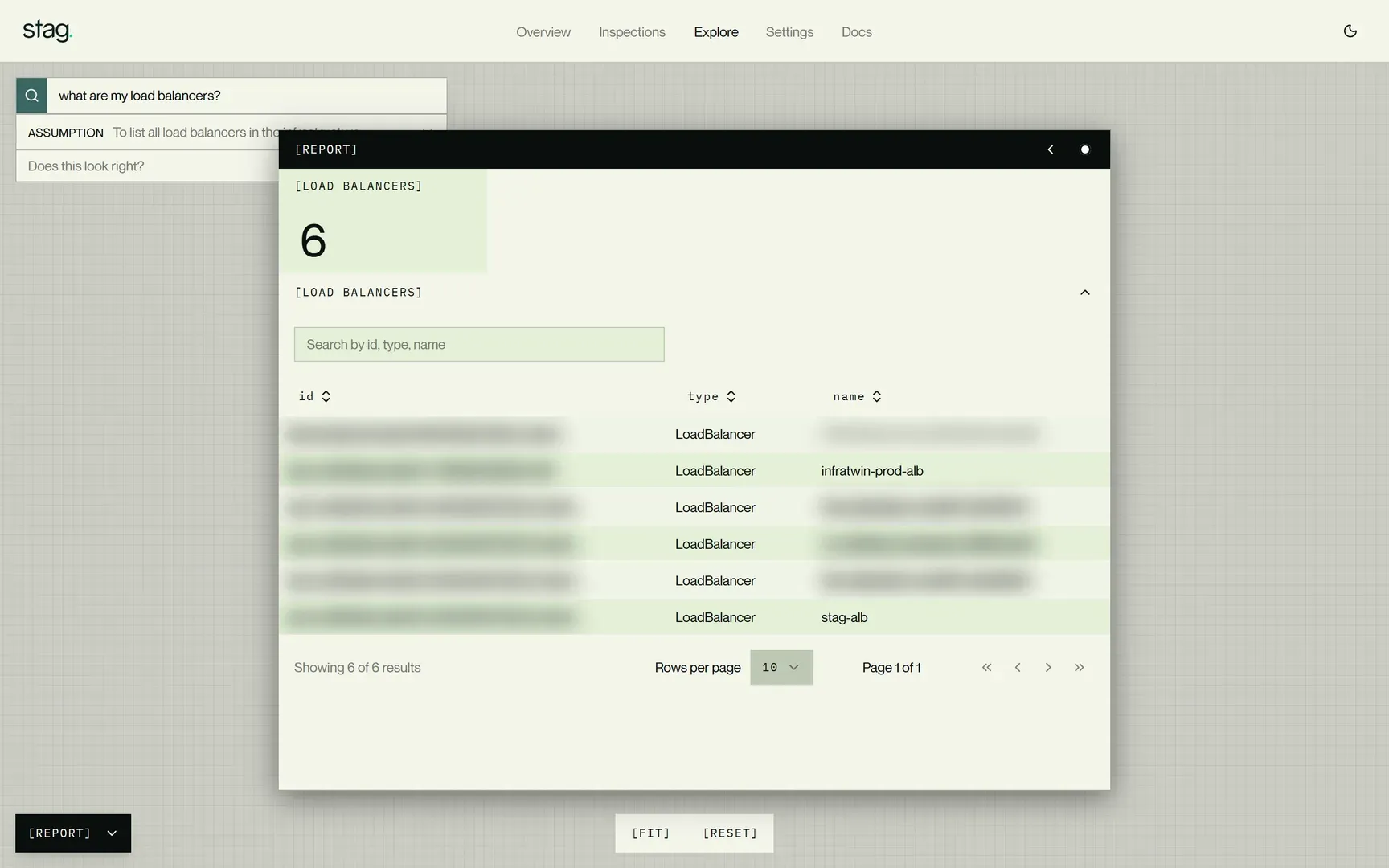
Ask.
Ask questions like “What depends on this load balancer?” or “What is affected by this IAM role?”. Stag answers from its current model of your environment.
-
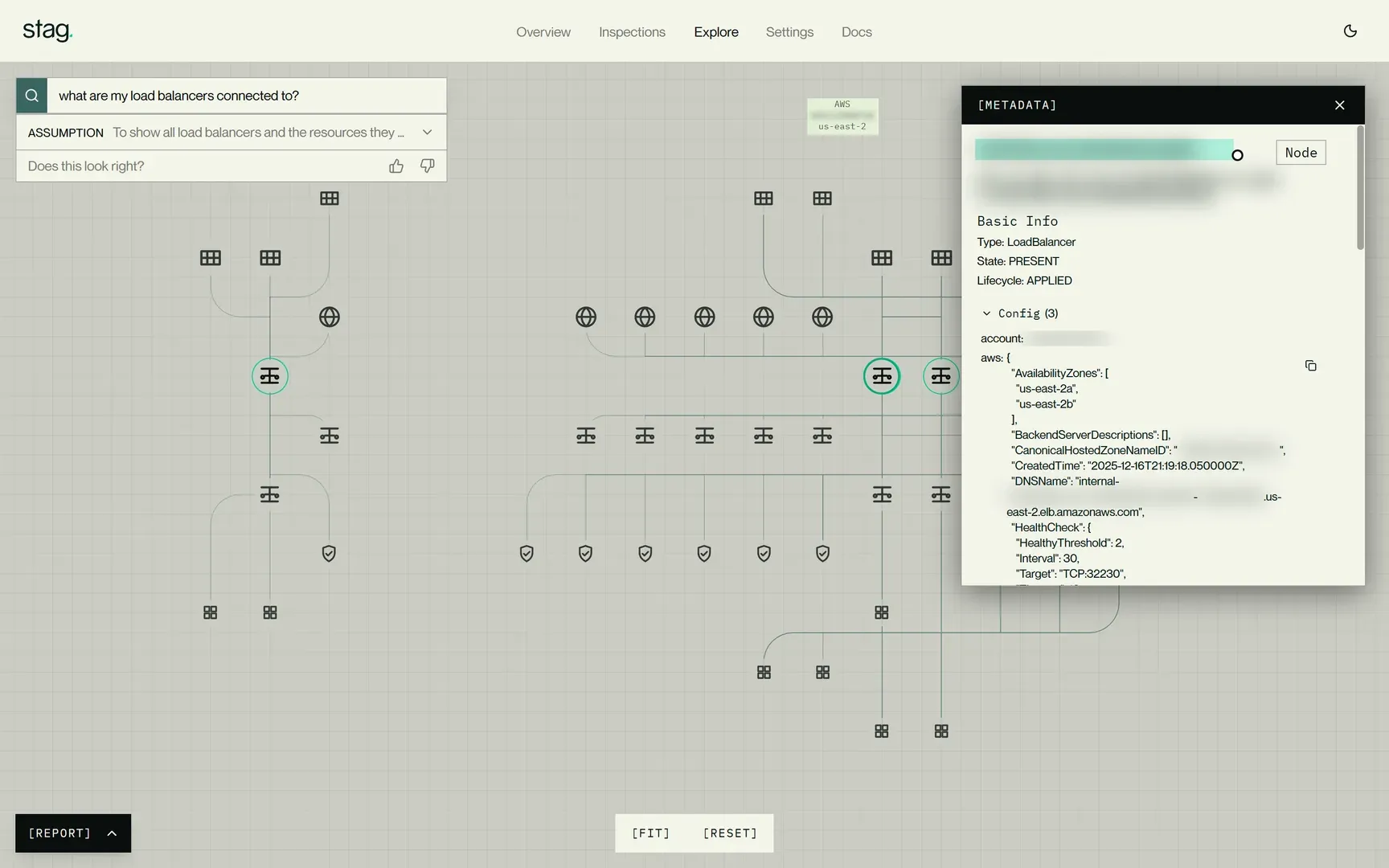
Inspect.
Select a resource. Check its settings and follow its connections to understand relationships in your environment.
-
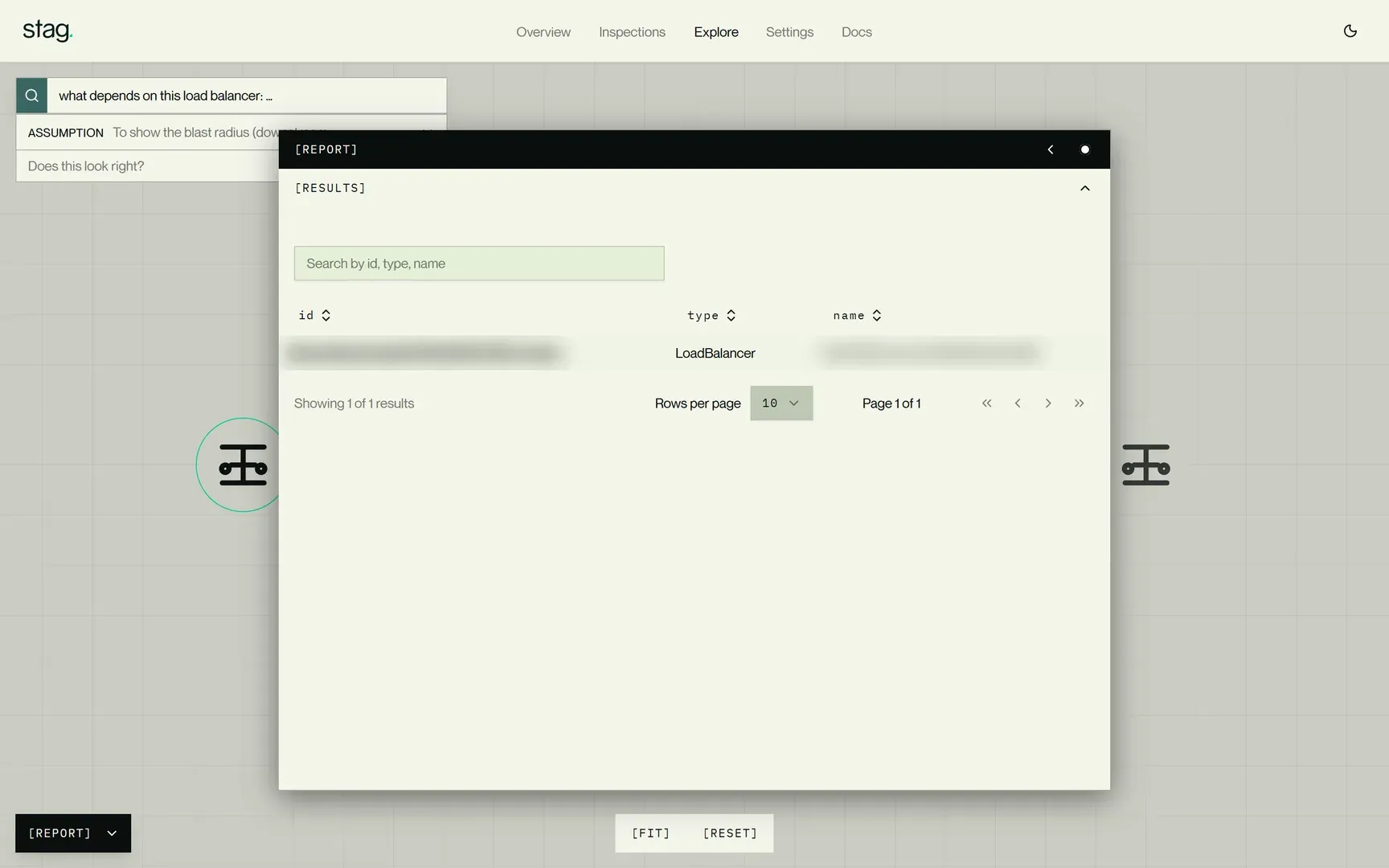
Follow up.
Refine your questions based on what you find. Focus on a specific resource, investigate a dependency, or work through the details of a plan.
Now you can
-
[01]
Ask Stag first.
Ask about a resource, setting, or connection. Follow up to get the detail you need, without waiting for the person who knows that system.
-
[02]
Plan the move.
Find dependencies. Account for those relationships before a migration or consolidation.
-
[03]
Give agents context while they code.
Your coding agent can ask what a resource depends on or how it’s configured. Use the answers to guide what it writes next.
-
[04]
Learn a new environment.
Understand how a system is configured and connected. Ramp up fast when you join a team or start a new project.
-
[05]
Get the evidence behind the answer.
Open the resources in the results. Read their settings and follow their connections in the graph.
-
[06]
Bring a question.
Talk to our engineers
FAQ
Frequently Asked Questions
No. Ask about your environment whenever you need answers, including while planning or writing code.
Yes. Agents can ask Stag about deployed resources, settings, and connections, then use the answers to guide their work.
No. Explorer answers questions about the environment. Change Simulator evaluates how a proposed change could affect it.
Related capabilities

See Explorer answer a real question.
Ask about a deployed environment. Follow the answer into the settings and connections behind it.
Book a demo