
Change History
Know what changed.
See when a change happened, who made it, and what Stag found. Start investigations with evidence in hand.
Book a demo
Why a change history?
-
[01]
Narrow the search.
Start with the history of changes. Find the change responsible immediately when something breaks.
-
[02]
Start with the evidence.
Bring your change history and Stag's findings into audits and reviews. Cut the work of assembling the evidence.
-
[03]
Learn from the last incident.
Compare what Stag found with what happened. Use what you learn to improve the next change and the next review.
What it Does
Stag Change History
Stag records changes to your deployed environment. Query the history and review the simulation findings.
-
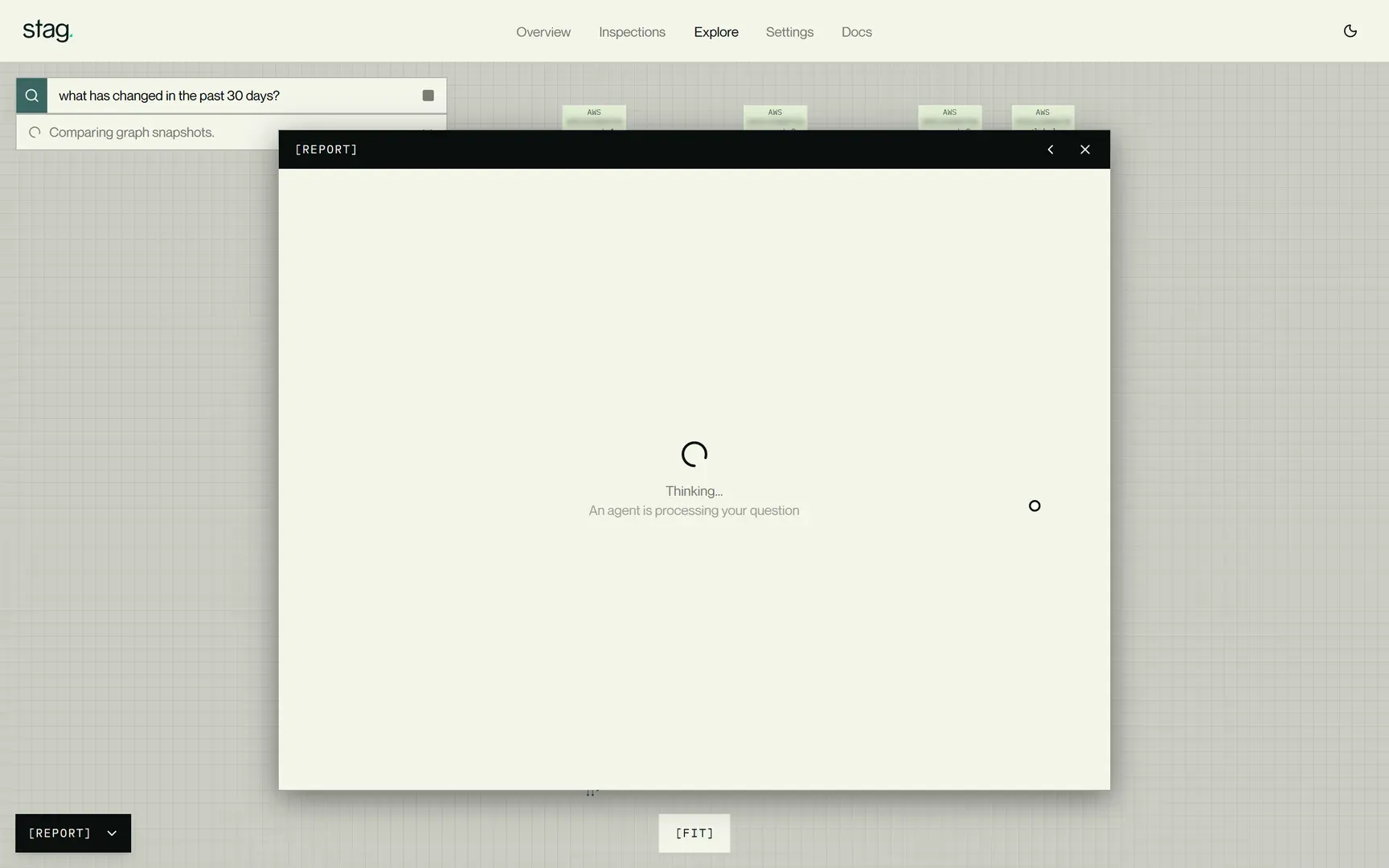
Ask what changed.
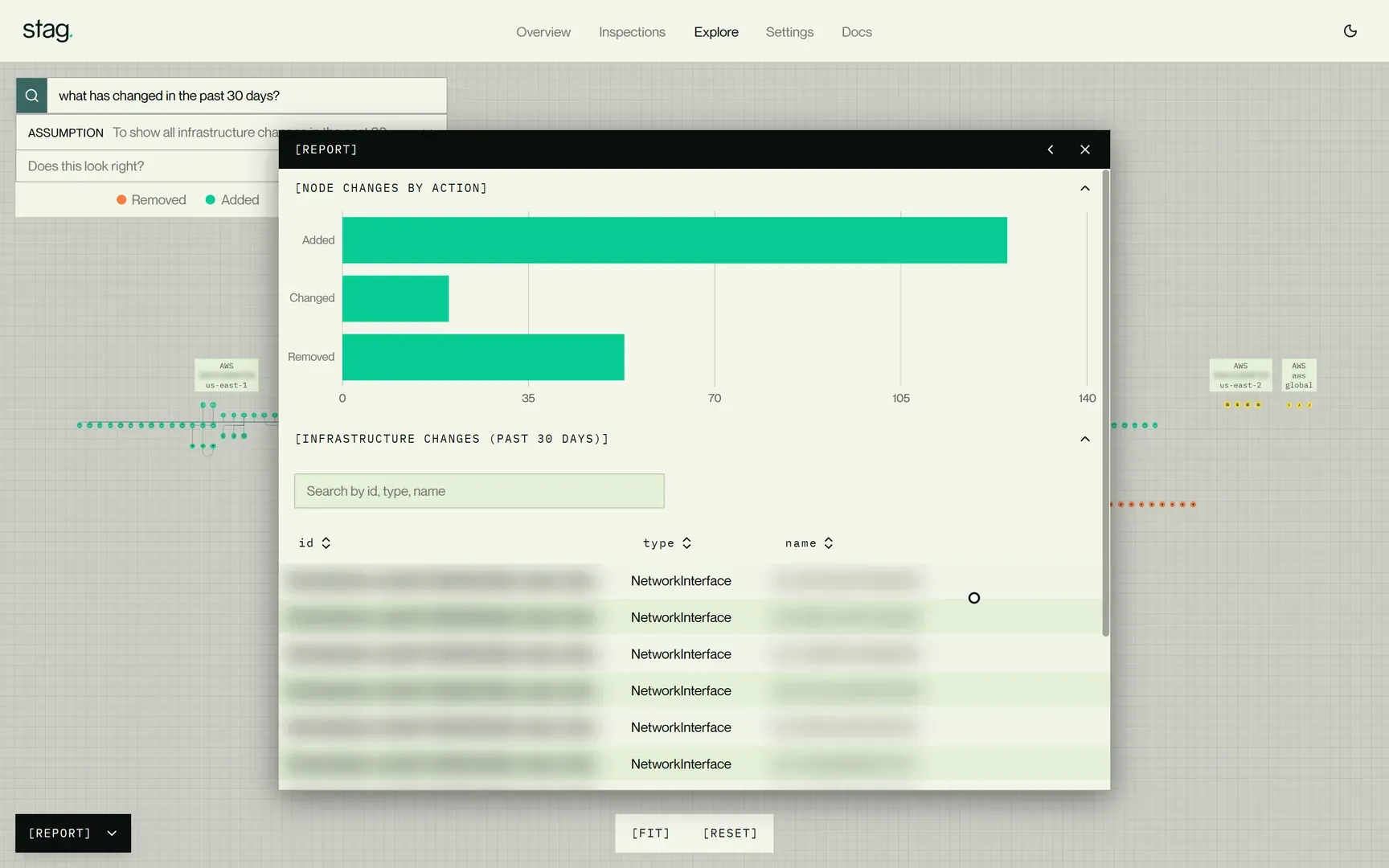
Ask “What changed in the past 30 days?” Stag compares snapshots of your environment.
-
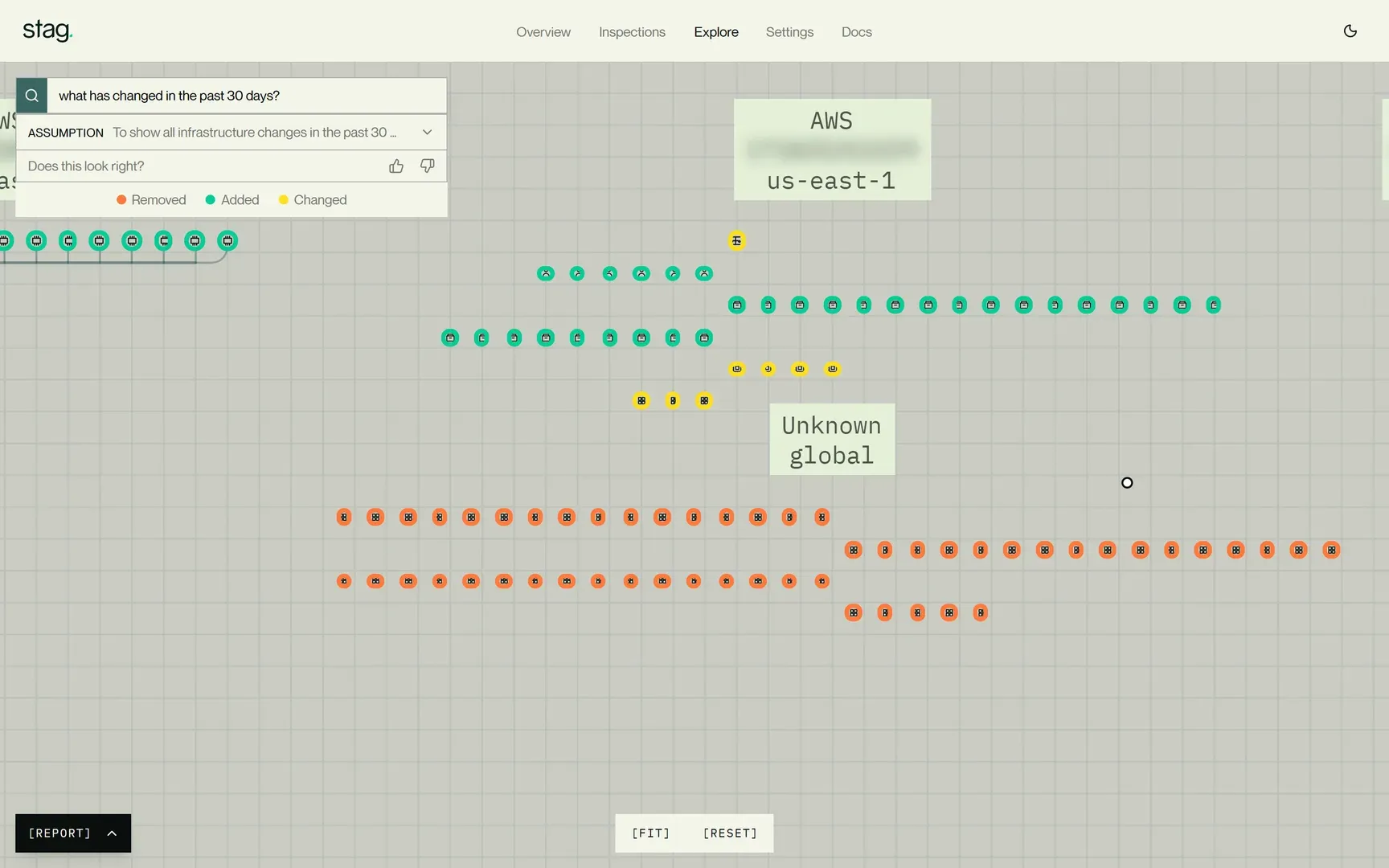
Inspect the changes.
See what was added, changed, or removed. Find the resources involved and look at them in the graph.
-
Review the report.
See who changed what, when, and how. Use the report in audits, investigations, and reviews.
Now you can
-
[01]
Forget hunting through logs.
One master record of every change. Know who changed what, when, and how. Stop reconstructing history from thousands of log entries.
-
[02]
Look behind the latest change.
Investigate historical changes to solve a problem that took time to surface.
-
[03]
See the changes nobody mentioned.
Review shadow changes from other teams, agents, automation, and cloud providers.
-
[04]
Bring the record to the audit.
Ask Stag what changed during the period under review. Get the records and supporting findings together in seconds.
-
[05]
Start incident reviews with the full story.
Forget forensic root cause analysis. Stag simulates every change as it's made, revealing all side effects, not just what was reported.
-
[06]
See what Stag recorded.
Talk to our engineers
FAQ
Frequently Asked Questions
Yes. Review changes assessed as safe as well as unsafe, along with their recorded details and related findings.
Stag records and simulates changes it detects in the environments you connect, including activity outside your pipeline.
Yes. Ask about a resource or time period. Use the recorded changes and related findings in audits, operational reviews, and incident investigations.
Related capabilities

See what changed. See what Stag flagged.
Walk through a change record and its original risk assessment with our engineers.
Book a demo