

Environment Mapping
Know what depends on what.
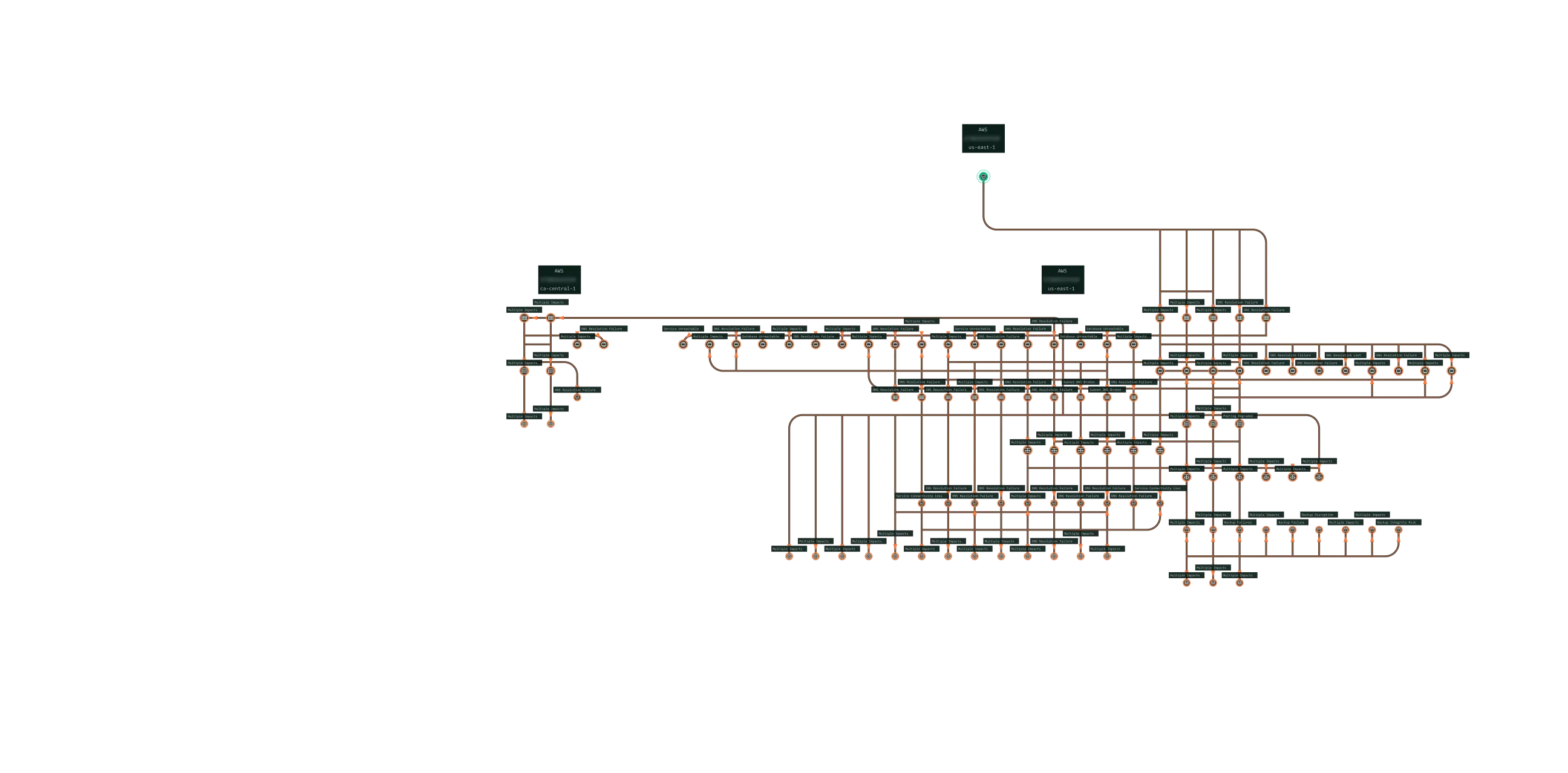
Stag maps your deployed environment and keeps the model current. Engineers and agents use it to simulate changes and answer questions about what’s running and how.
Book a demo
Why Mapping?
-
[01]
Stop chasing context.
Get resources, settings, and connections in one current model. Spend less time piecing the environment together by hand.
-
[02]
Find the dependencies early.
Plan migrations and upgrades with connected systems in view. Account for dependencies before they become delays and rework.
-
[03]
Protect the systems around yours.
See undocumented resources and indirect connections. Account for them before a change puts a connected service at risk.
What it Does
Stag Environment Mapping
Stag maps how resources connect, how they're configured, and how they affect each other.
-
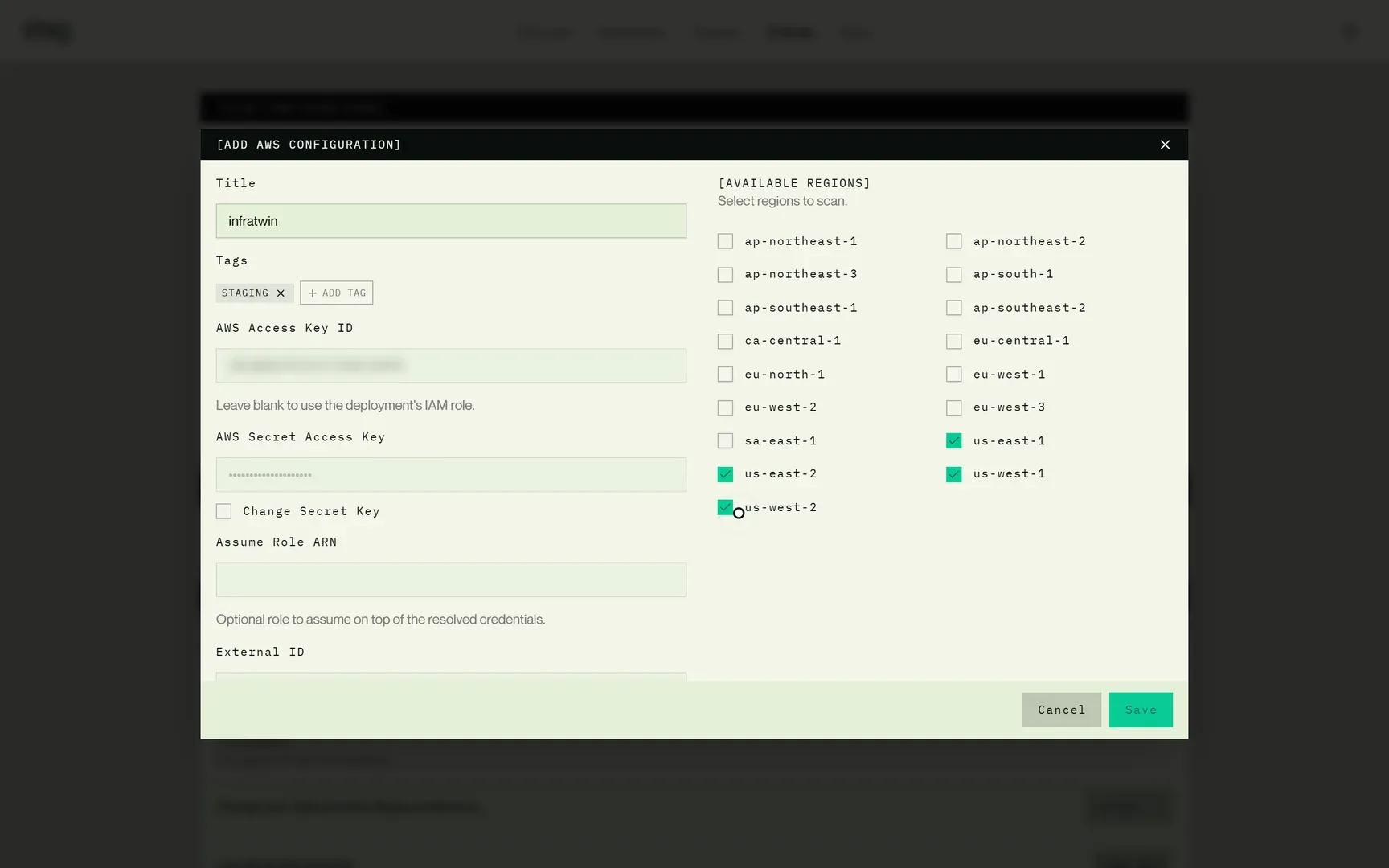
Connect your environment.
Give Stag read-only access. It discovers your cloud and Kubernetes resources and their settings.
-
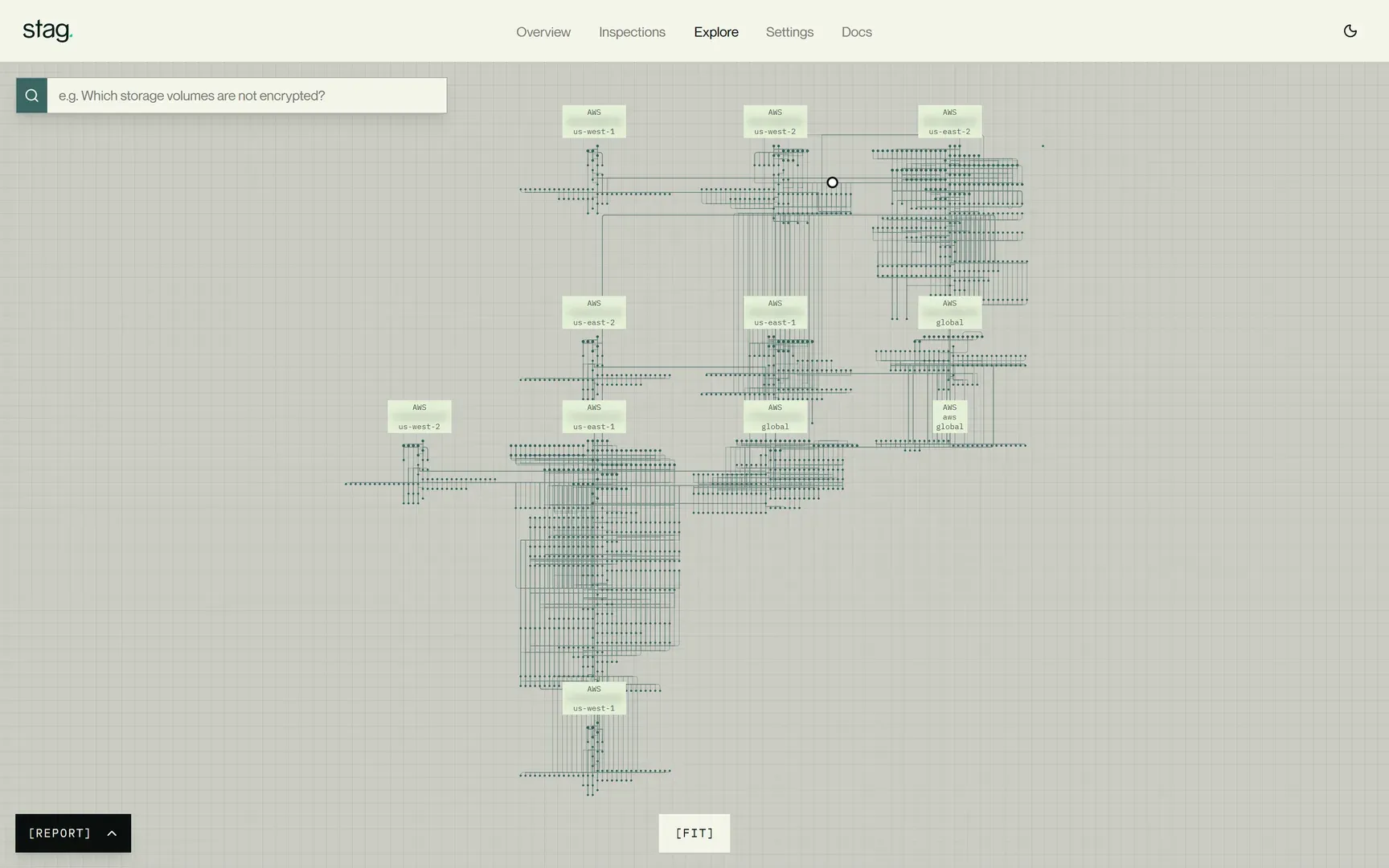
Map the connections.
Stag maps how resources depend on and affect each other. It updates the model as it detects changes.
-
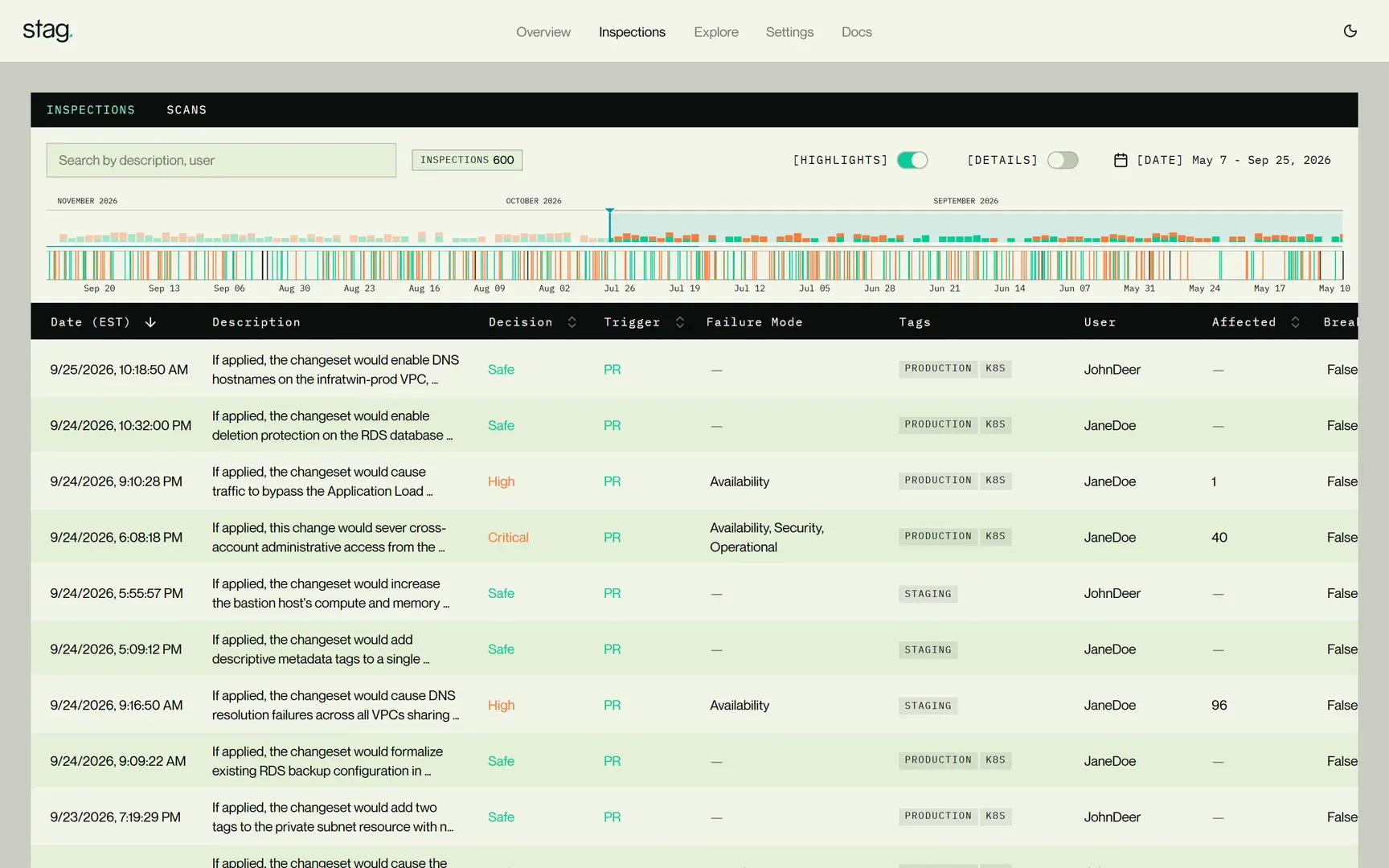
Stay current.
As Stag detects changes, it updates the model—including changes made outside your pipeline—so your team works from a current view of the environment.
Now you can
-
[01]
Know what's deployed.
Stag builds its model from deployed resources and settings. It updates as Stag detects changes, including those made outside your pipeline.
-
[02]
Understand what affects what.
See how resources depend on each other and how settings and policies shape those relationships.
-
[03]
See beyond your team's systems.
Follow connections across the cloud accounts and Kubernetes environments you connect. See the resources your work depends on, whoever owns them.
-
[04]
Give agents context while they code.
Your coding agent can query deployed resources, settings, and connections as it works. Use that context to guide its next change.
-
[05]
Tech debt is a feature, not a bug.
Stag maps inherited systems, undocumented resources, and unusual configurations. You don’t need a cleanup project first.
-
[06]
See what Stag finds.
Talk to our Engineers
FAQ
Frequently Asked Questions
No. Stag builds the map from your deployed environment, including undocumented resources and systems created outside your pipeline.
No. Stag uses read-only access to code and metadata. Your application traffic does not pass through it.
Ask questions with Environment Explorer. Simulate proposed changes with Change Simulator. Review recorded changes with Change History. All three use the same model.
Related capabilities

See the model at work.
Walk the map, ask a question, and see a change simulated.
Book a demo